Every world
deserves to be captured.
An eye that sought the angle, chose the focal length, waited for the moment.
Tin Snap is the platform dedicated to virtual photographers — those who stop, frame, and capture what others walk past without looking. Share your best shots, explore the community's captures, and keep an eye on your game collection.
No ads. No tracking. Your data stays yours.
Latest captures
Virtual photographers from the Tin Snap community share their best video game shots.



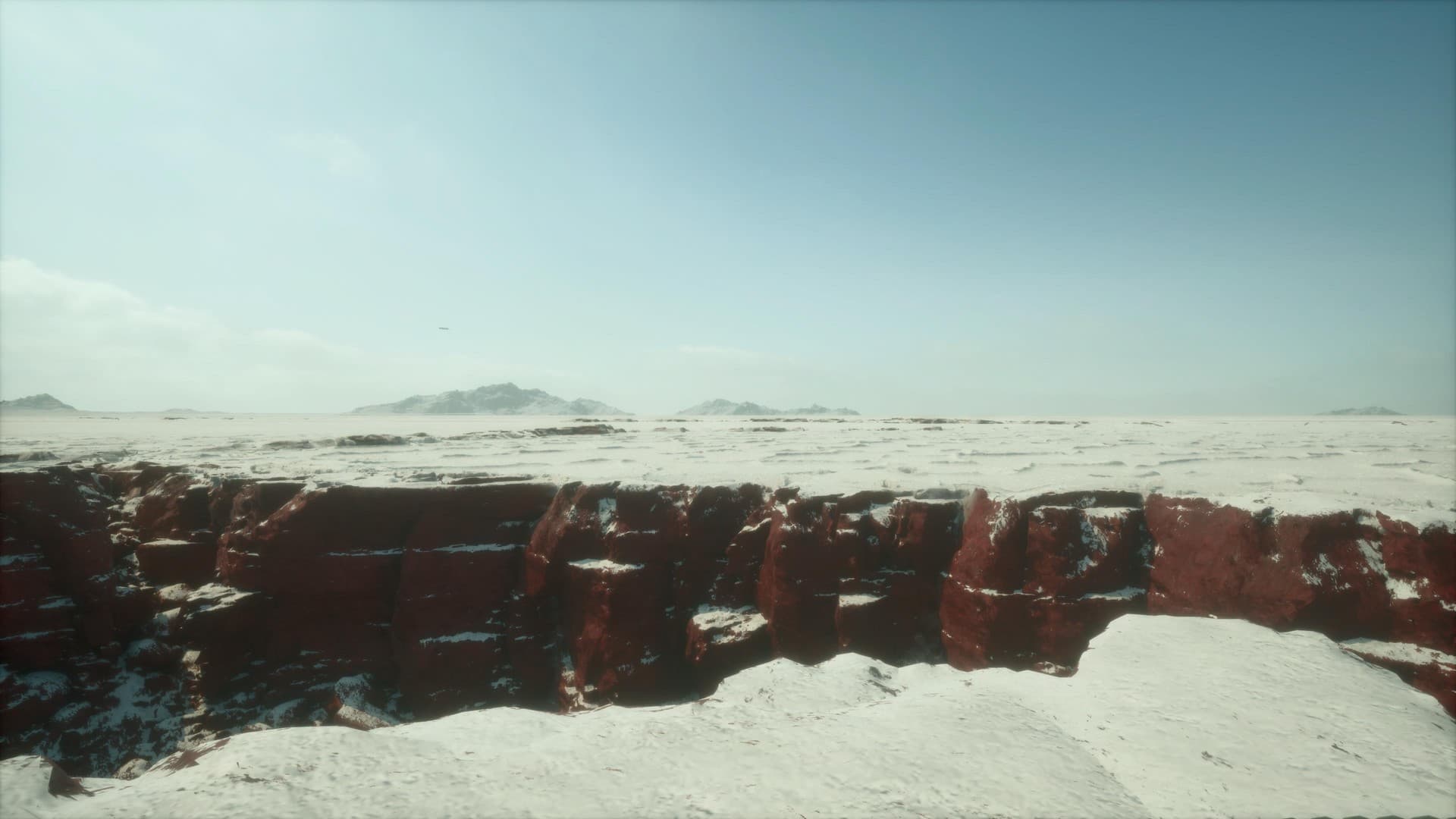
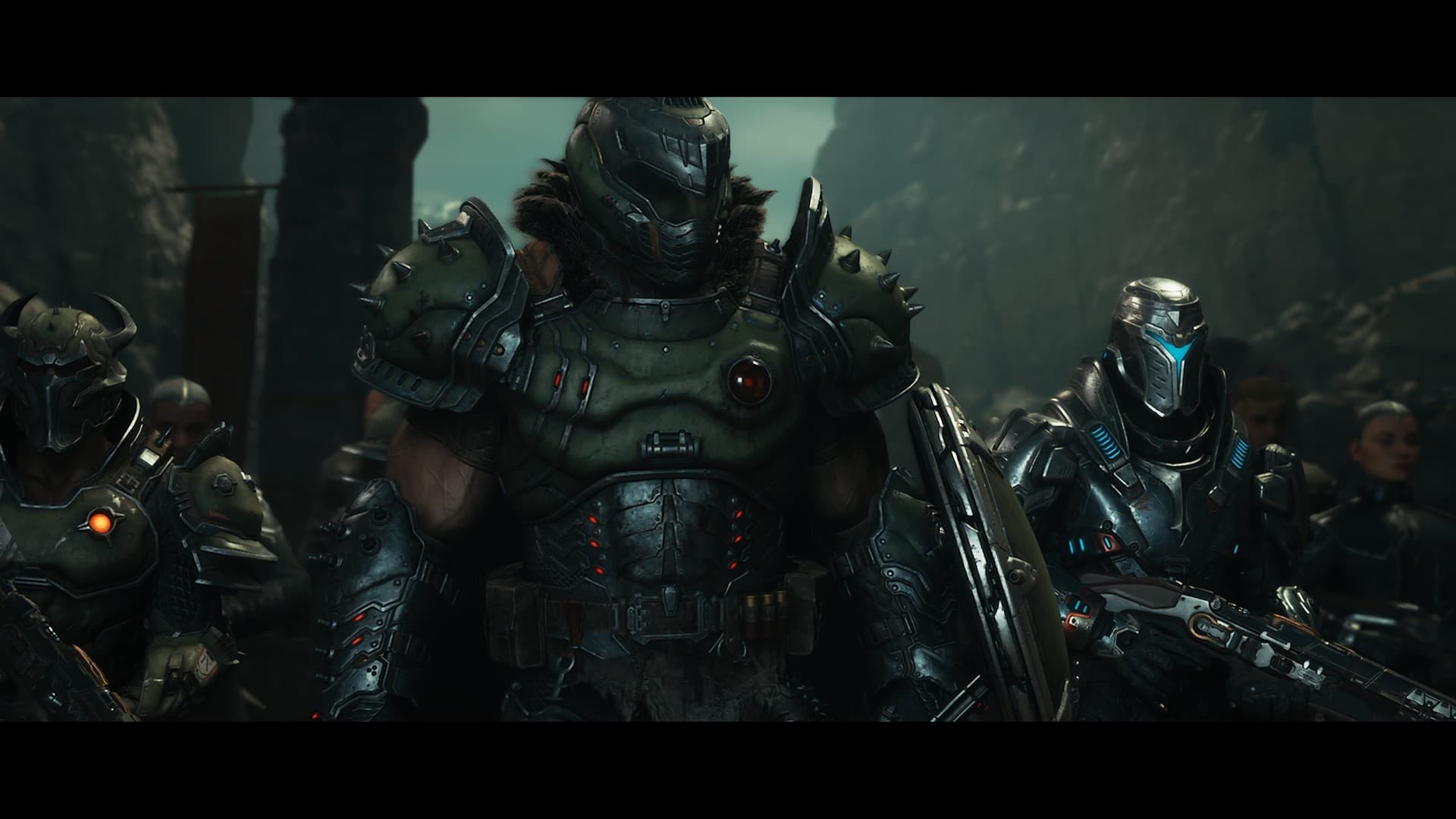

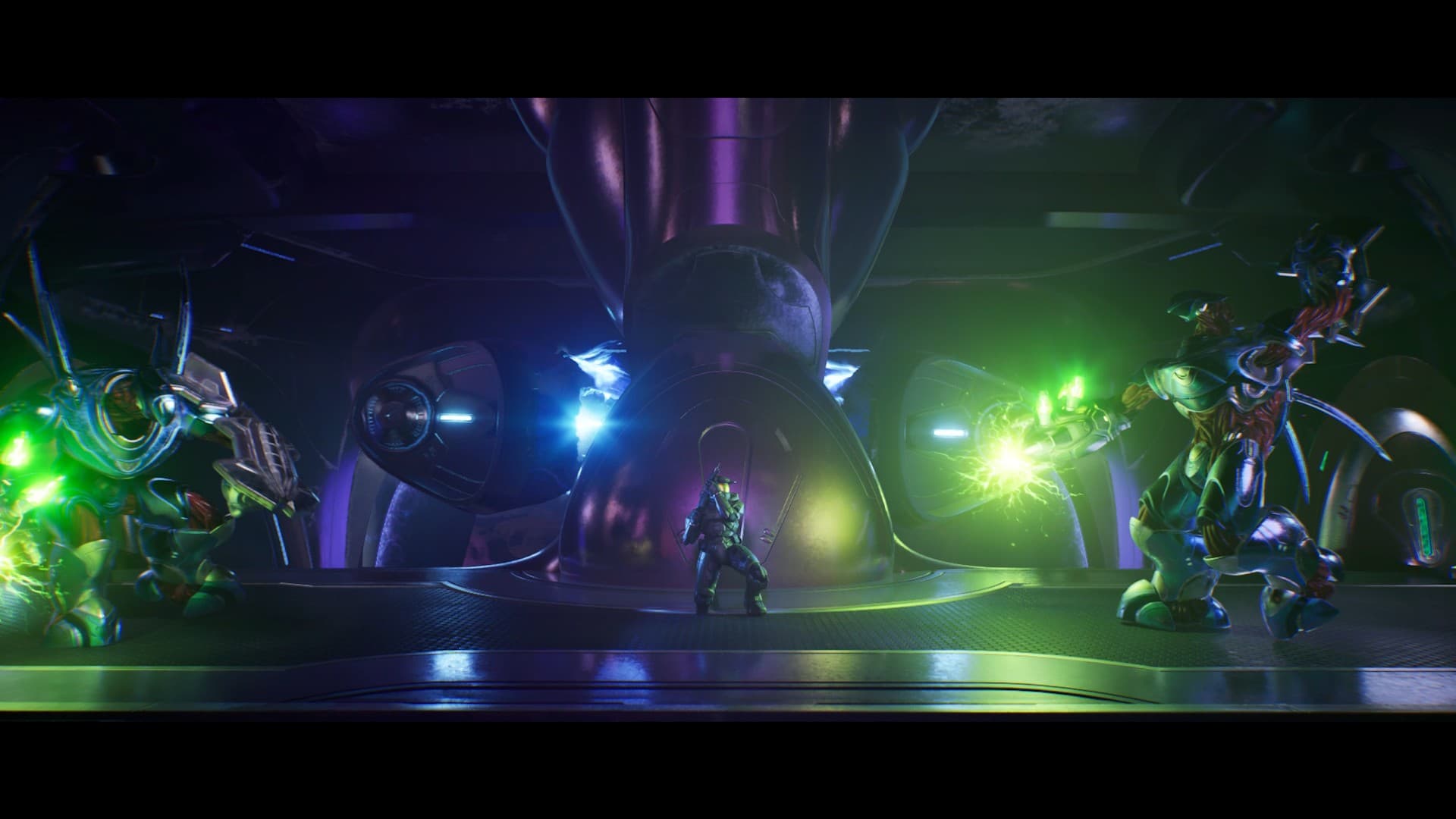




Virtual photography news
Photo mode guides, technical tutorials and game releases — curated by the community.
Mastering Crimson Desert's Photo Mode: A Comprehensive Guide
Explore the ins and outs of Crimson Desert's Photo Mode beta, including access, camera controls, filters, hiding accessories, and tips for capturing stunning screenshots. Dive into this detailed guide to elevate your virtual photography skills in Pearl Abyss' latest action RPG.

Ghost of Yotei Photo Mode Explained
Dive into a comprehensive guide on the photo mode features in Ghost of Yotei, a follow-up to Sucker Punch's Tsushima. Learn about camera movement, image processing, dynamic effects, character customization, and more from a photographer's perspective.

Death Stranding 2's New Photography Features
Sony's Death Stranding 2: On the Beach introduces several updates to its photo mode, including custom lighting, expanded character poses and filters, UI changes, new ways to capture and display photos, and the eagerly awaited instant camera feature. While some aspects are disappointing, overall, these additions enhance the virtual photography experience.

Death Stranding 2 Lighting Guide
This guide from The Fourth Focus explains how to use the upgraded 3-point lighting system in Death Stranding 2: On the Beach's photo mode, helping virtual photographers create stunning images. Learn about light positioning, direction, intensity, color saturation, and shadows to master the game's photography tools.
What's new
What changed on Tin Snap recently.
News section
A new section dedicated to virtual photography news: photo mode guides, game updates, and community highlights. Curated and updated regularly. Available on web.
Control your snap notifications
You can now choose which photographers you want to be notified by. Head to a profile and toggle snap notifications on or off. Available on web and mobile.
Game engines on game pages
Game pages now display the engine(s) used: Unreal, Unity, and more. Useful context for virtual photographers who care about how a world is built.
Start capturing.
Tin Snap is free, ad-free, and your data stays yours. Create an account with your email in seconds.